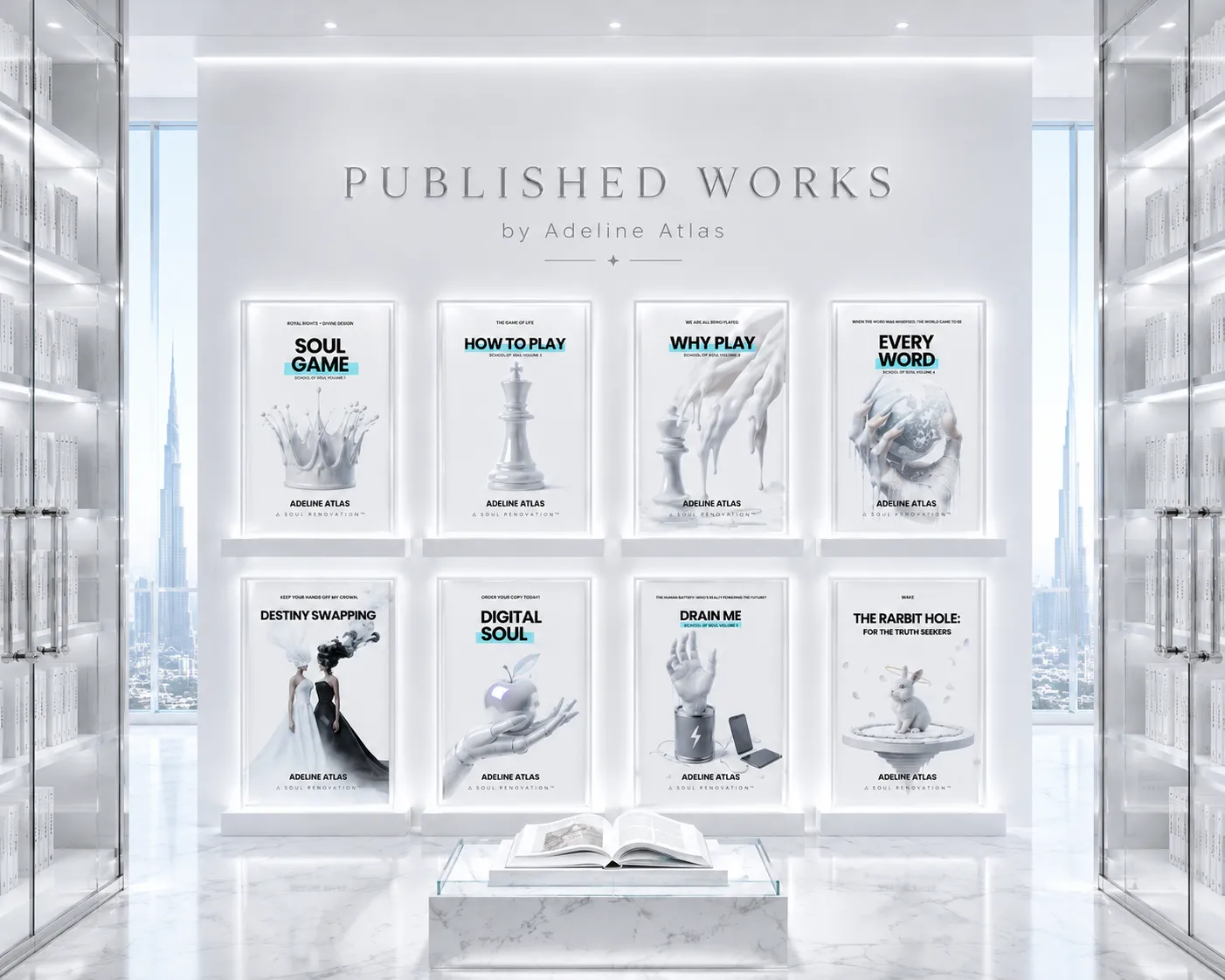
Digital Soul By Adeline Atlas (SOS: School Of Soul)
Dec 19, 2025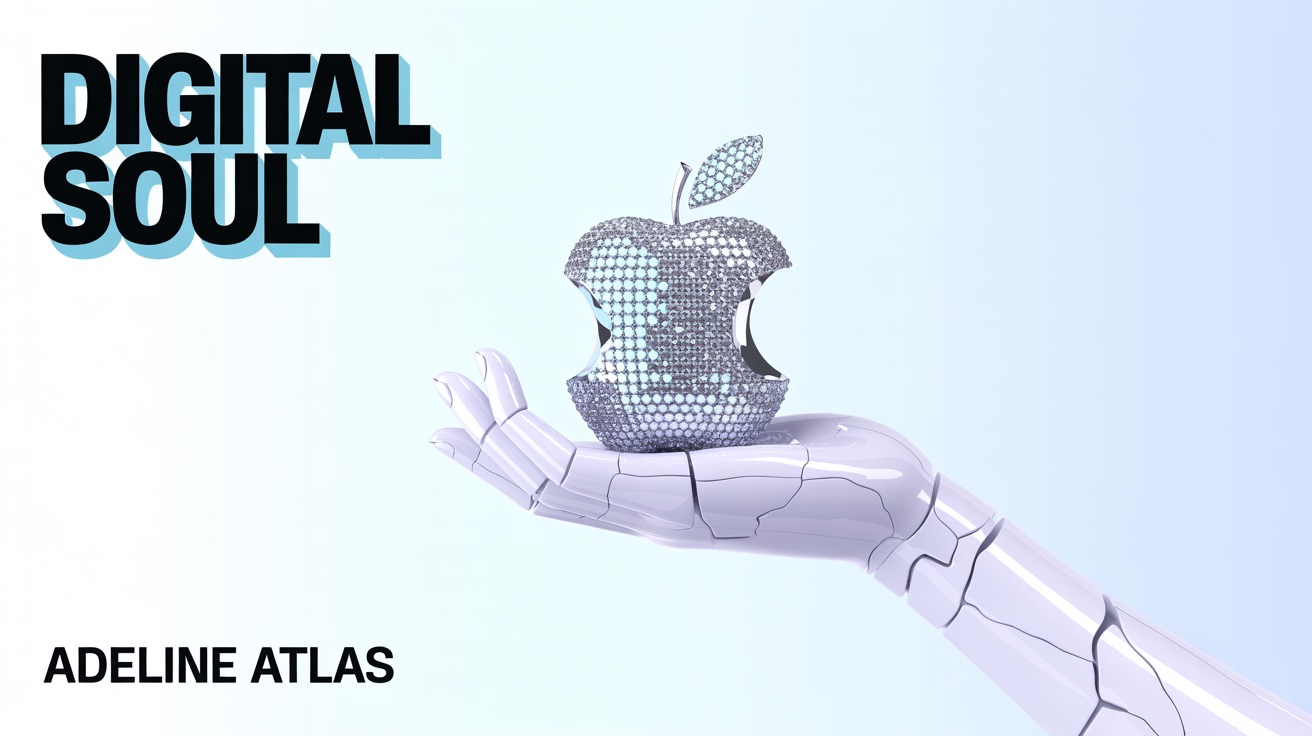
ORDER YOUR COPY
Step 1 – Sort
If you have a sorting system, fantastic! Put it to use and clear out your inbox. If you do not have a system – now is the time to build one. Your goal is to have everything sorted – to a point that if you needed to pull up a document or email from x or about x, you would know where to find it. If you can't find something – you have too many things.
Ways to organize your email storage categories?
How I Organize My Folders: First by company – under company, I have all the different aspects of my company and my role split into buckets:
Example:
- Personal
- Soul Renovation
- Collaboration
- Advertising
- Affiliates
- Marketing
- Website
- Social
Step 2 – Delete
It is time to make good use of your delete button. If you already have a system, your mission is to go through your folders and start working that delete button – let go of all you do not need. Remember the strainer analogy – close your eyes – each digital file you possess (not own) is corded in – anytime we have a cord, we have energy leaking. Delete ALL you do not need to be connected to anymore. This is emotionally freeing but also physically freeing – it is not uncommon to sleep like a baby after a massive delete session or suddenly feel your shoulders let up – or have your back stop hurting. As you learned, we feel all we are connected to, and when we release these connections, it is shocking how the physical body can respond. If you just set up your system – you will have already been deleting as you went – I hope you did not store anything you didn't need ;)
Step 3 – Unsubscribe
There are a few strategies you can use to execute this step:
- Every day as your emails come in – unsubscribe to everything you do not want.
- Move them all to a folder that you will set aside time to sit down and go through to unsubscribe.
- Reduce signing up in the future – email reduction is within your control – ask yourself before you subscribe to anything, “Do I really need to be signing up for this or can I check back when I'm interested in that content?”
Pro Tip – Set
Change email settings from Push to Fetch. Set a specific time of day that you will check email. To avoid distractions and allow false emergencies to come up during your focused work periods, set notifications off. By changing your settings from push to fetch, your new emails will be downloaded only when you open the app. Remove the email app from your home screen to remove the temptation of distraction. Hold down on the app – click remove – click remove from home screen – it will still be there.